Paths#
User Paths (Web Console)#
At the top of the page, a map displays all recorded paths.
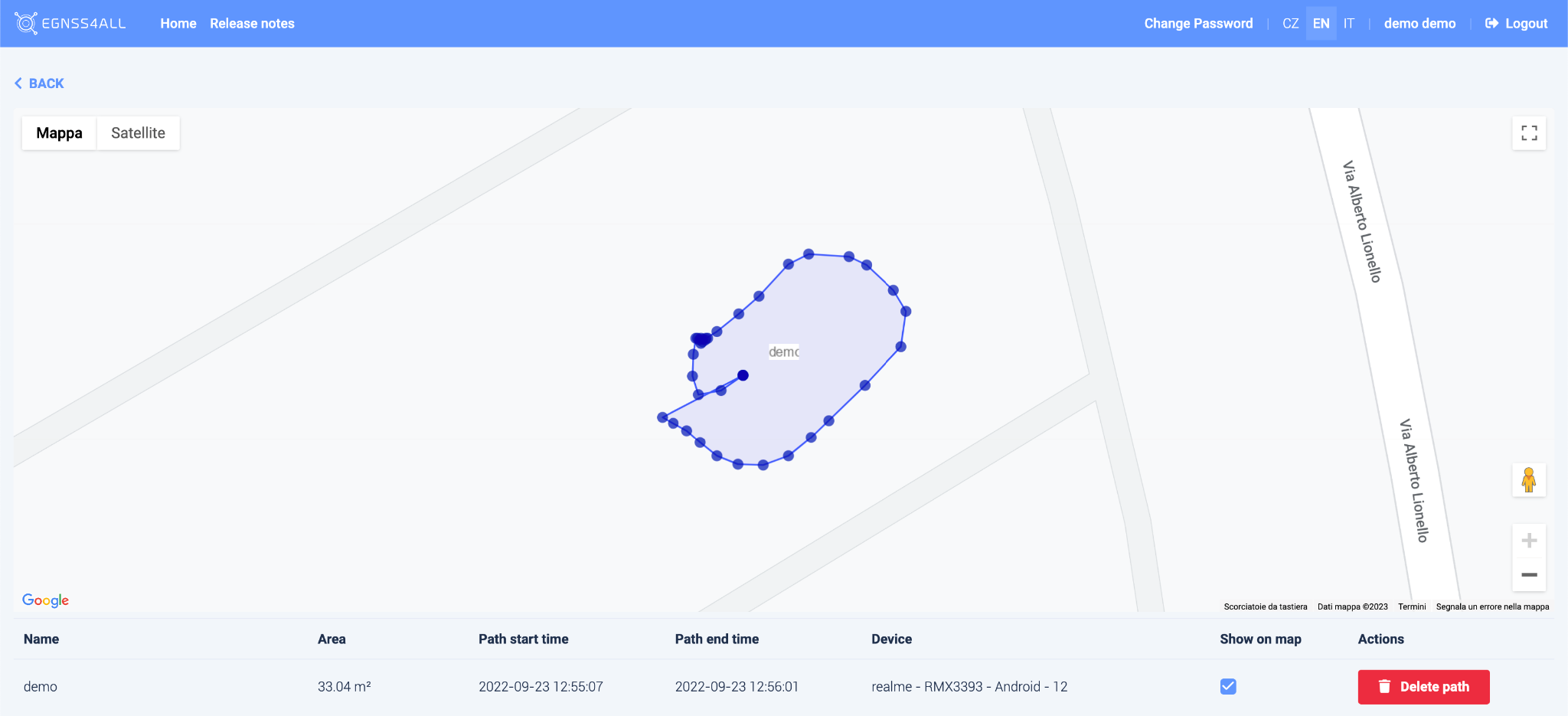
- Click on a path to highlight it on the map.
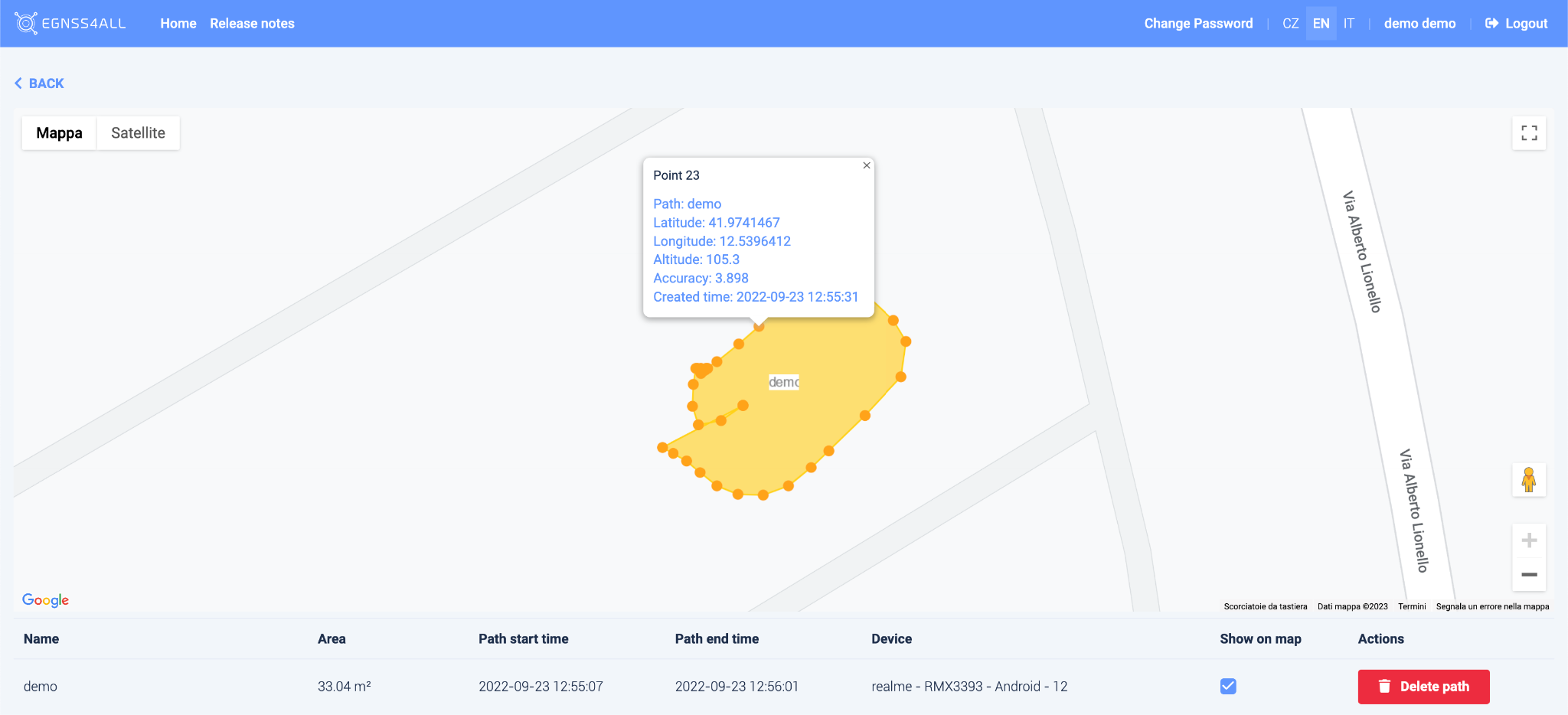
- Each path is composed of points. Clicking a point displays a table with detailed information.
Below the map, a list of paths for the selected user is shown.
Only the selected routes can be displayed on the map using the Show on map checkbox.
Paths can be deleted using the Delete Path button.

Paths (Mobile App – Android & iOS)#
This list shows all recorded routes.
Clicking on a specific path will draw it on the map (M).
- If the path has already been sent to the GeoBim Portal, it is assigned an ID (identification number).
- If the path has not yet been sent, it can be deleted by clicking the
 icon.
icon. - Use the SEND button to upload all unsent paths to the GeoBim Portal.
Attributes#
- Area – approximation of the polygon area formed by the path (in square meters).
- By the center of gravity – indicates whether waypoints were recorded as the centroid of collected positions.
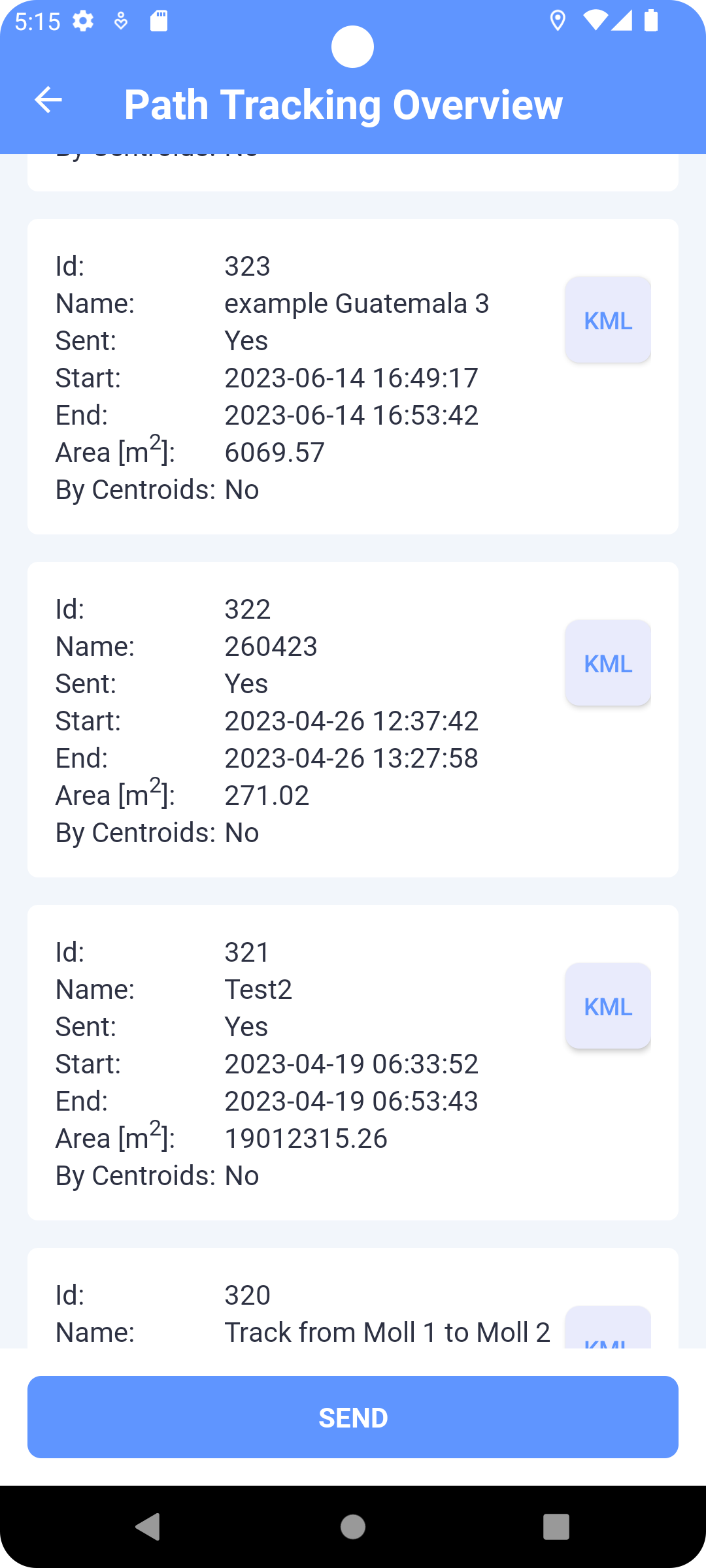
Every path can also be exported to a KML file on the device using the “KML” button.
Recording a Path#
In Map (Path Tracking mode):
- Click RECORD → enter a path name (optional).
- The path is recorded as a sequence of points (interval ≈ 1 second).
- While recording, the path is displayed as a polyline. Each point can be tapped to show geolocation data.
- Use PAUSE / UNPAUSE to pause or resume tracking.
- Use STOP → confirm to end the recording. The path is then drawn as a polygon (first and last points connected).
- Send the path using the SEND button.
- Use PATHS to open the list of recorded paths.
API Integration (Technical)#
The backend provides web services for sending and retrieving paths:
- Send path from device →
comm_path - Get paths for a user →
comm_get_paths
Returned attributes include:
id– path identifiername– user-defined namestart,end– timestampsarea– polygon area in m²points– list of geolocated path points (lat, lng, altitude, accuracy, timestamp)
This allows synchronization between the mobile apps, the GeoBim Portal (web console), and the server database.